

Workboard: manage your processes
Bring tasks, decisions, exceptions, and responsibilities together in one manageable workflow. With Workboard, you shorten lead times, reduce manual work, and maintain control over progress, risks, and compliance.
Automate where possible and leave room for human review where necessary.


Process automation that adapts to the way people work
Many workflow tools work well as long as a process remains simple and predictable. Once exceptions, multiple departments or additional controls are introduced, the software often becomes a limitation.
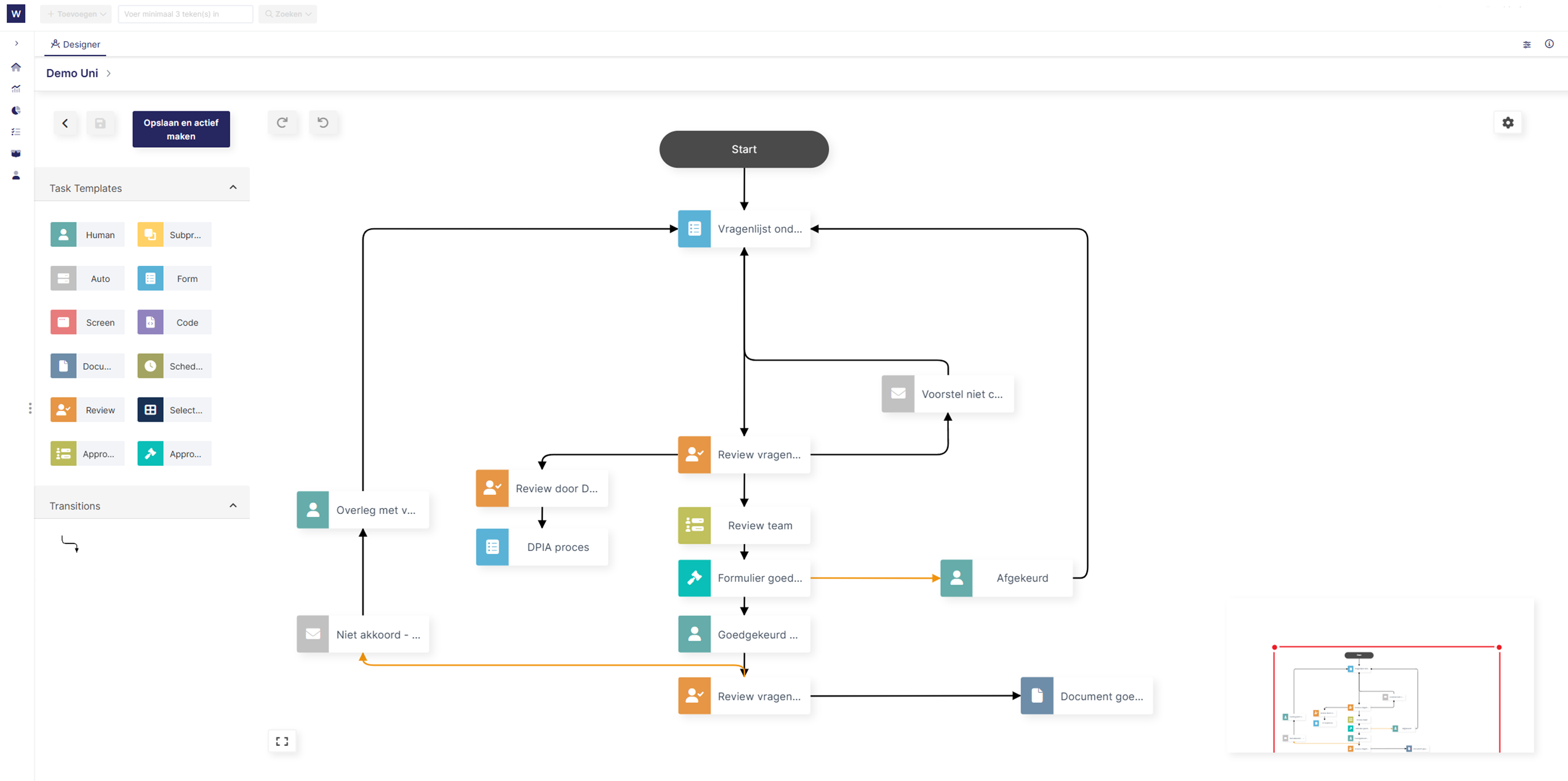
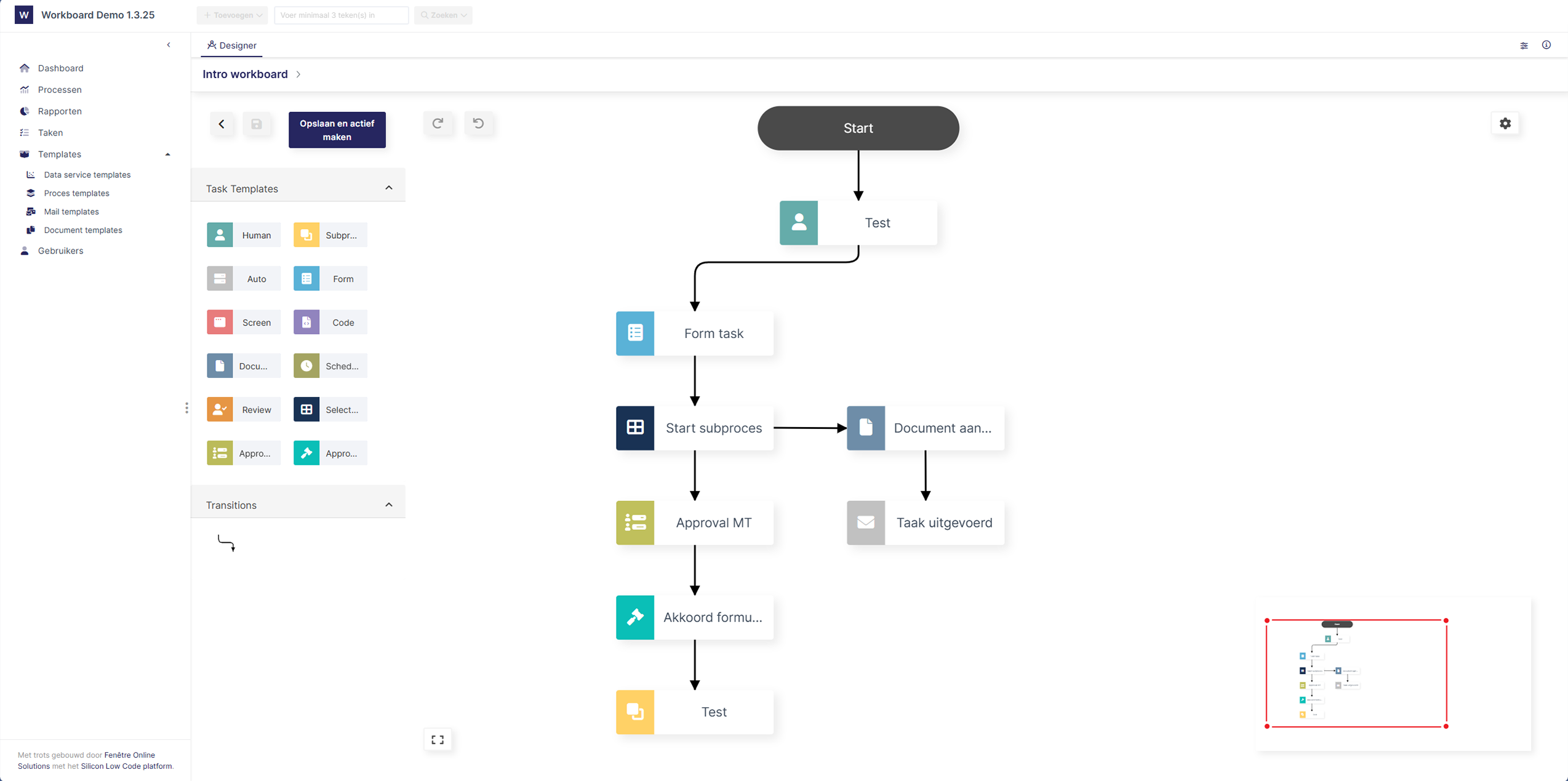
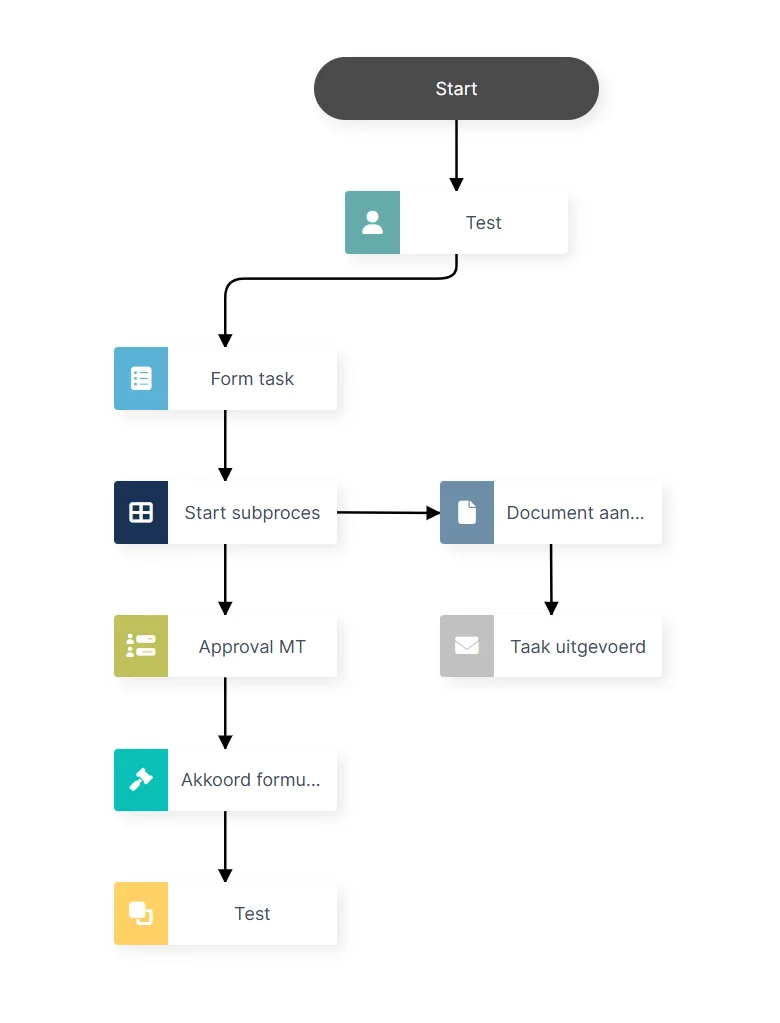
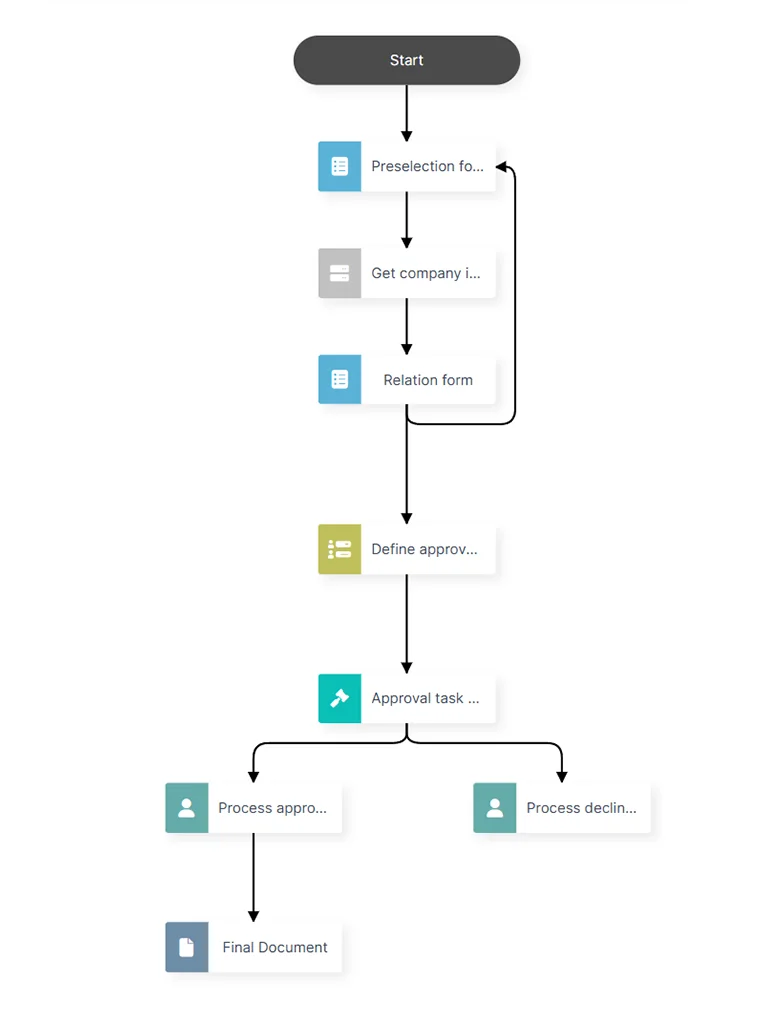
Workboard is designed for processes that change and do not always follow one fixed route. You build processes from tasks, rules, roles, integrations and subprocesses. This keeps the software aligned with practice, rather than the other way around.
What are the benefits for your organization?
Shorter lead times for business-critical processes
Less manual work and error-prone handovers
Lower operational costs through targeted automation
Greater control over work backlog, deadlines, and responsibilities
Faster adaptation to new regulations or process changes
Better demonstrability for management, auditors, and regulators


Maintain control over progress, capacity, and deadlines
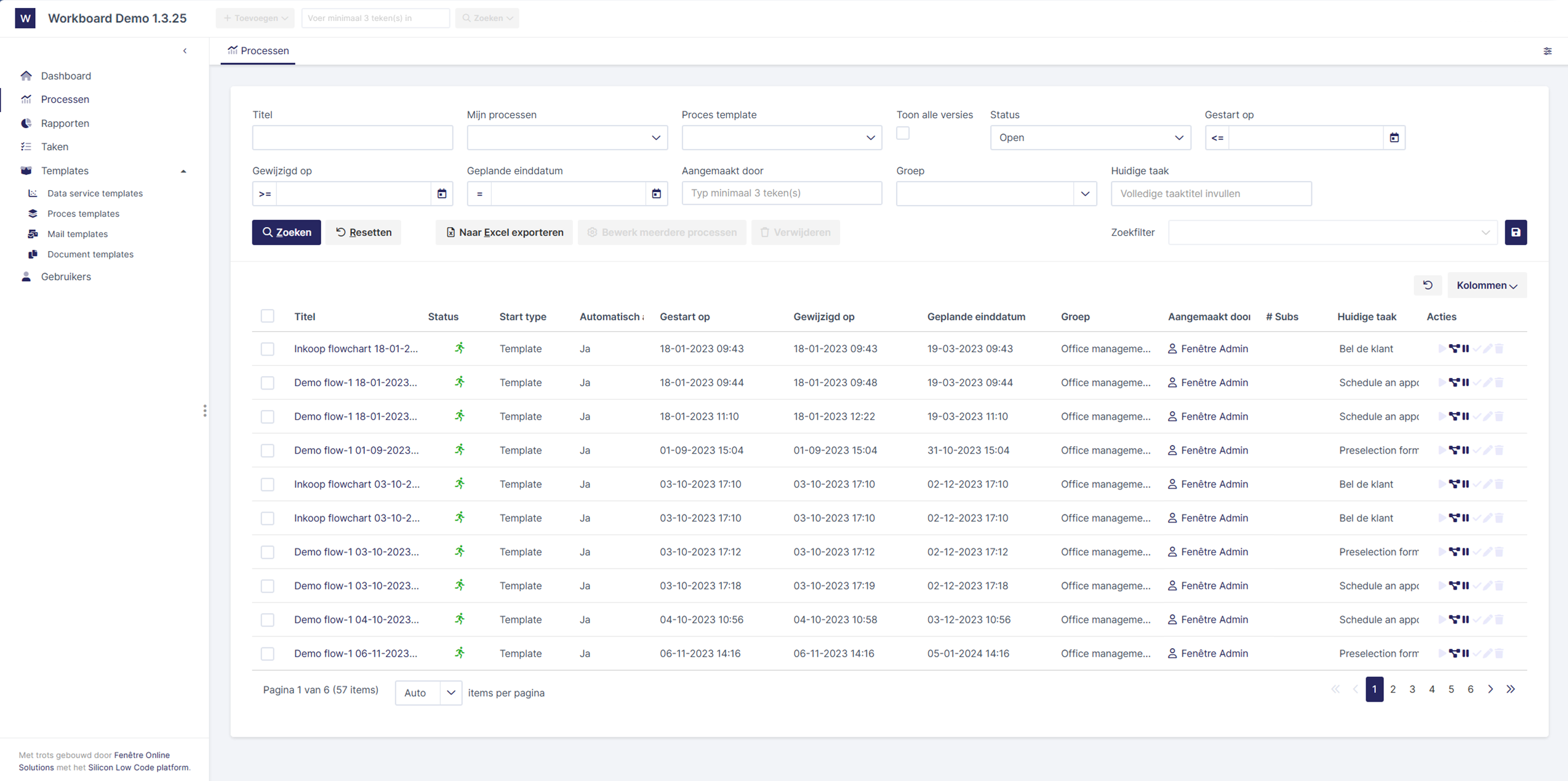
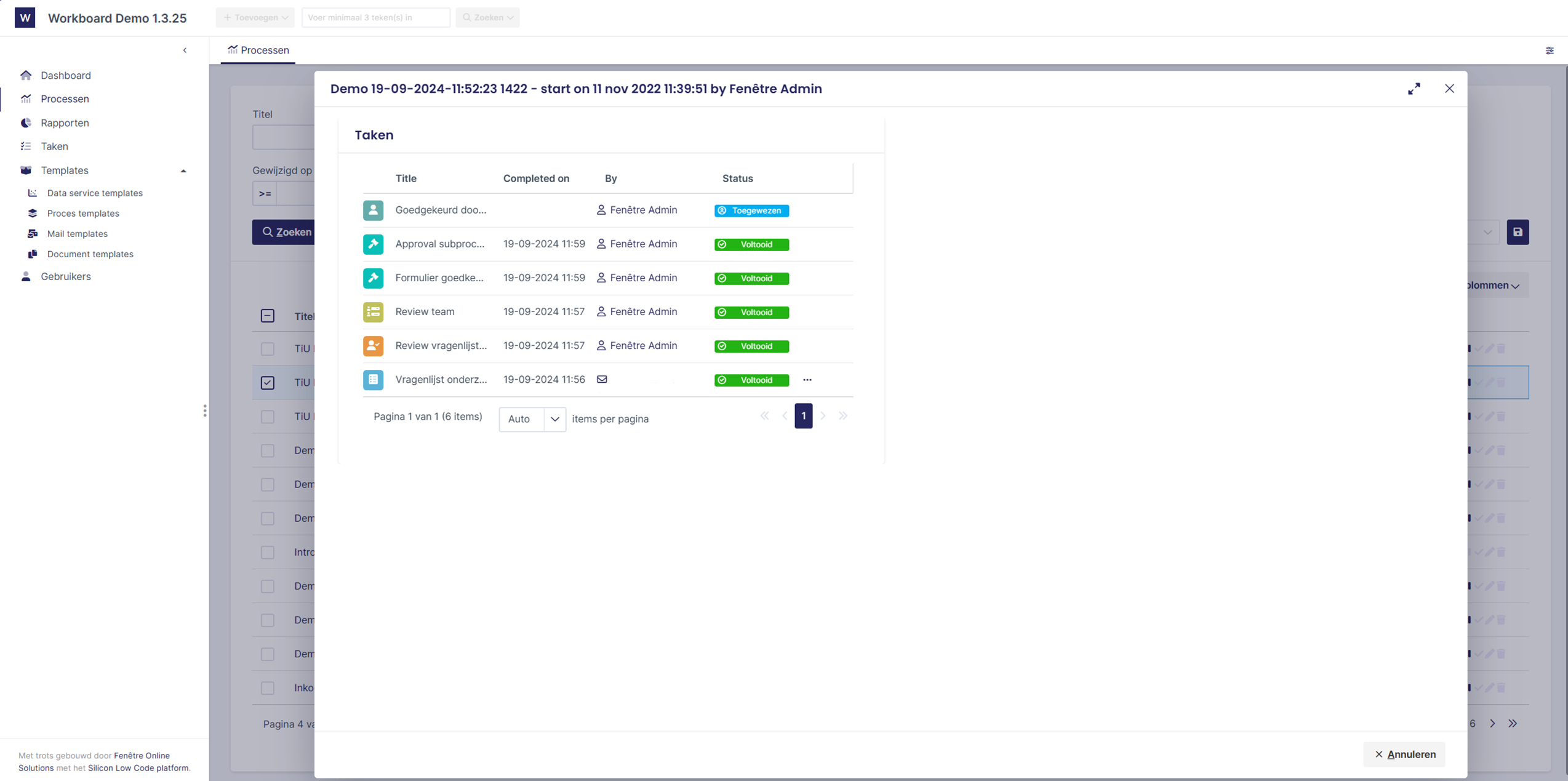
Workboard provides employees with clarity regarding their tasks and gives managers real-time insight into work backlog, progress, and bottlenecks, including:
open and assigned tasks;
unallocated work backlog;
deadlines and overruns;
status and progress;
history of completed actions.
This allows you to make adjustments sooner, assign responsibilities more clearly, and prevent critical processes from slowing down.
Design processes flexibly, even for exceptions and change
Standardize your processes without forcing exceptions, decision rules, and customization outside the system. This way, you maintain control over execution and the flexibility to adapt quickly when processes or circumstances change.
-
Assign tasks to employees, roles, or teams and easily transfer work when responsibilities change or additional expertise is needed.
-
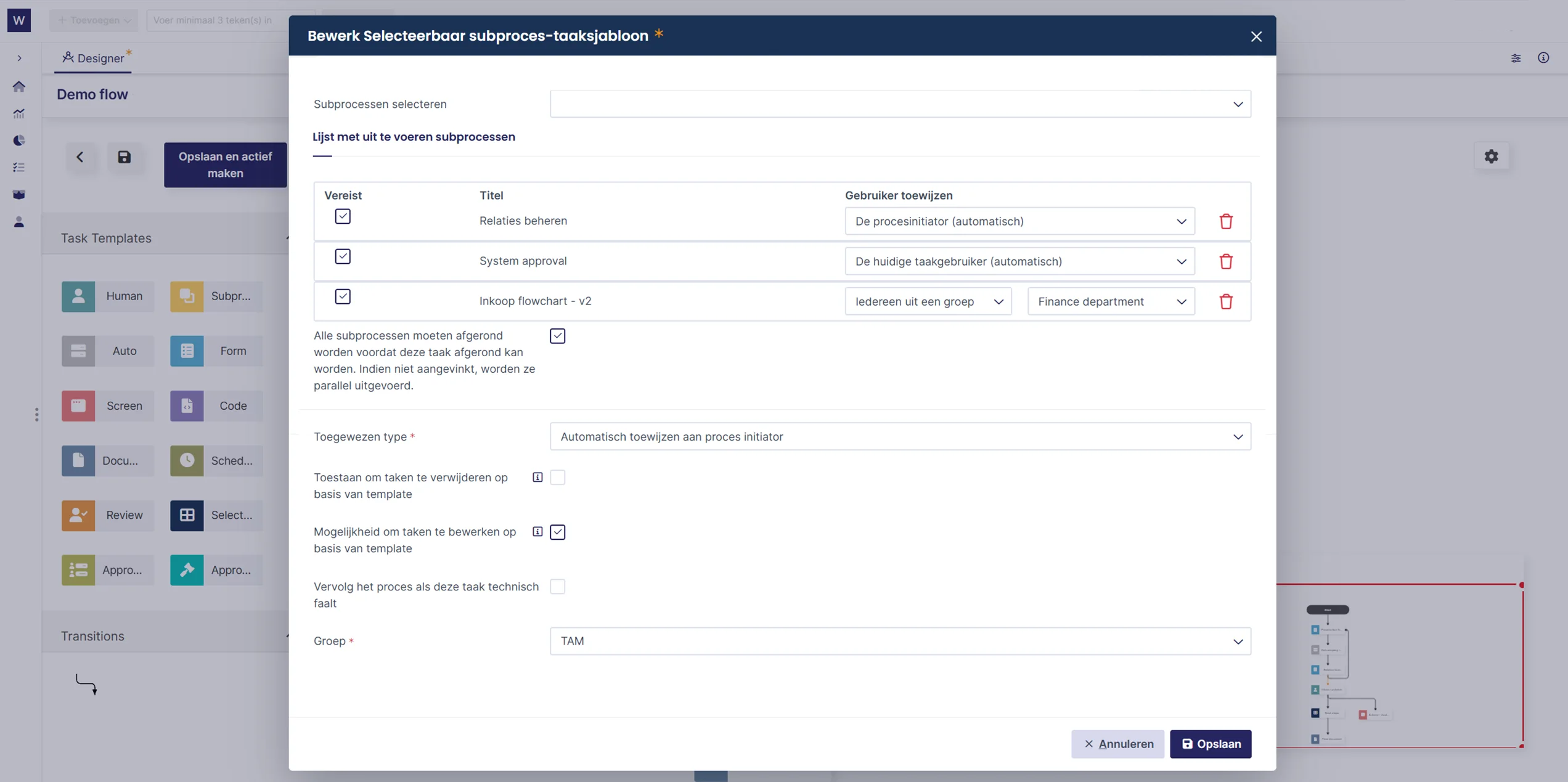
Determine which steps are always required and which are only added in specific situations or exceptions.
-
Break down complex processes into manageable parts, without losing coherence, progress, and responsibility.
-
Automatically start subsequent steps based on input, status, conditions, or events from connected systems.
-
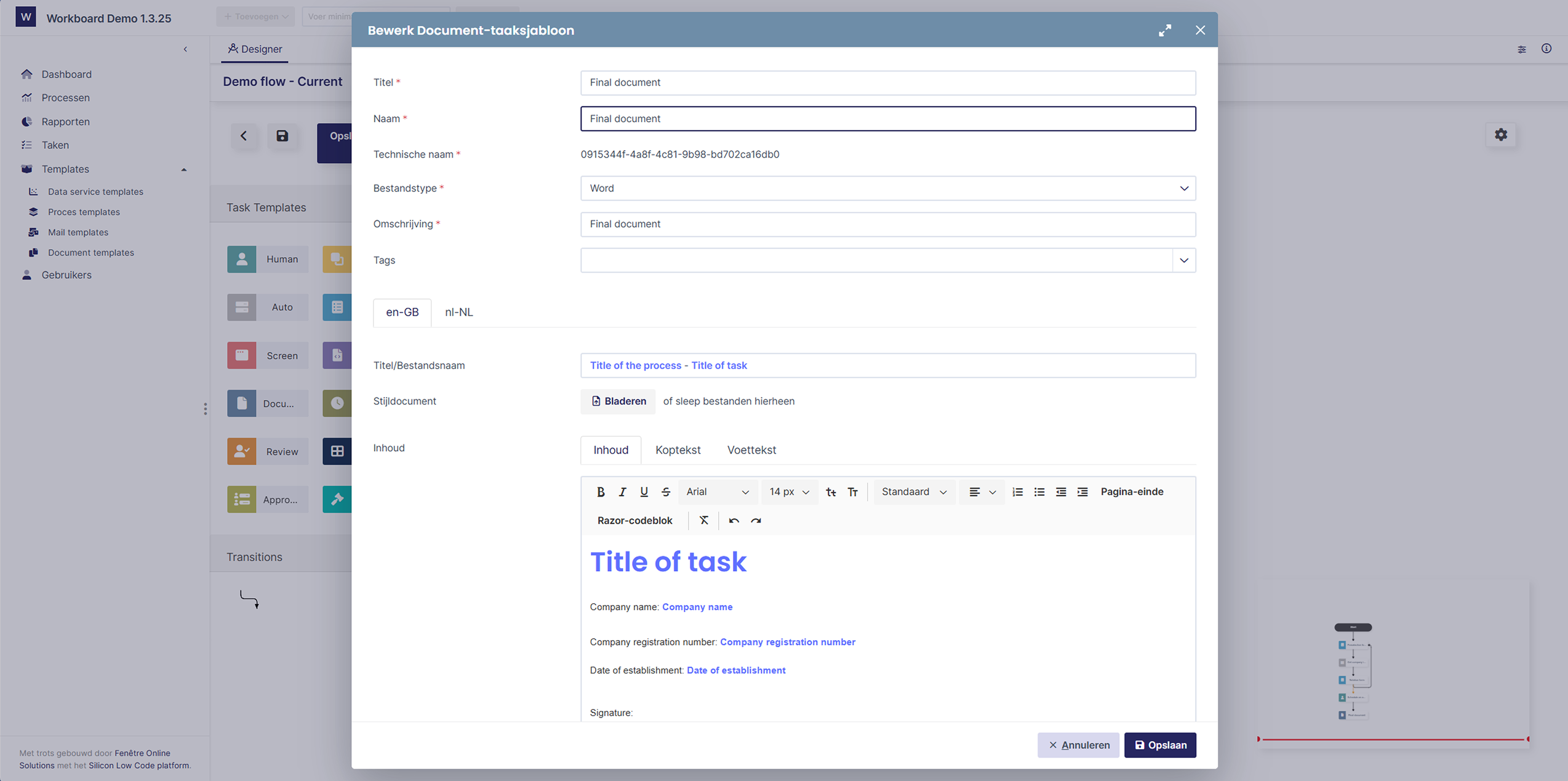
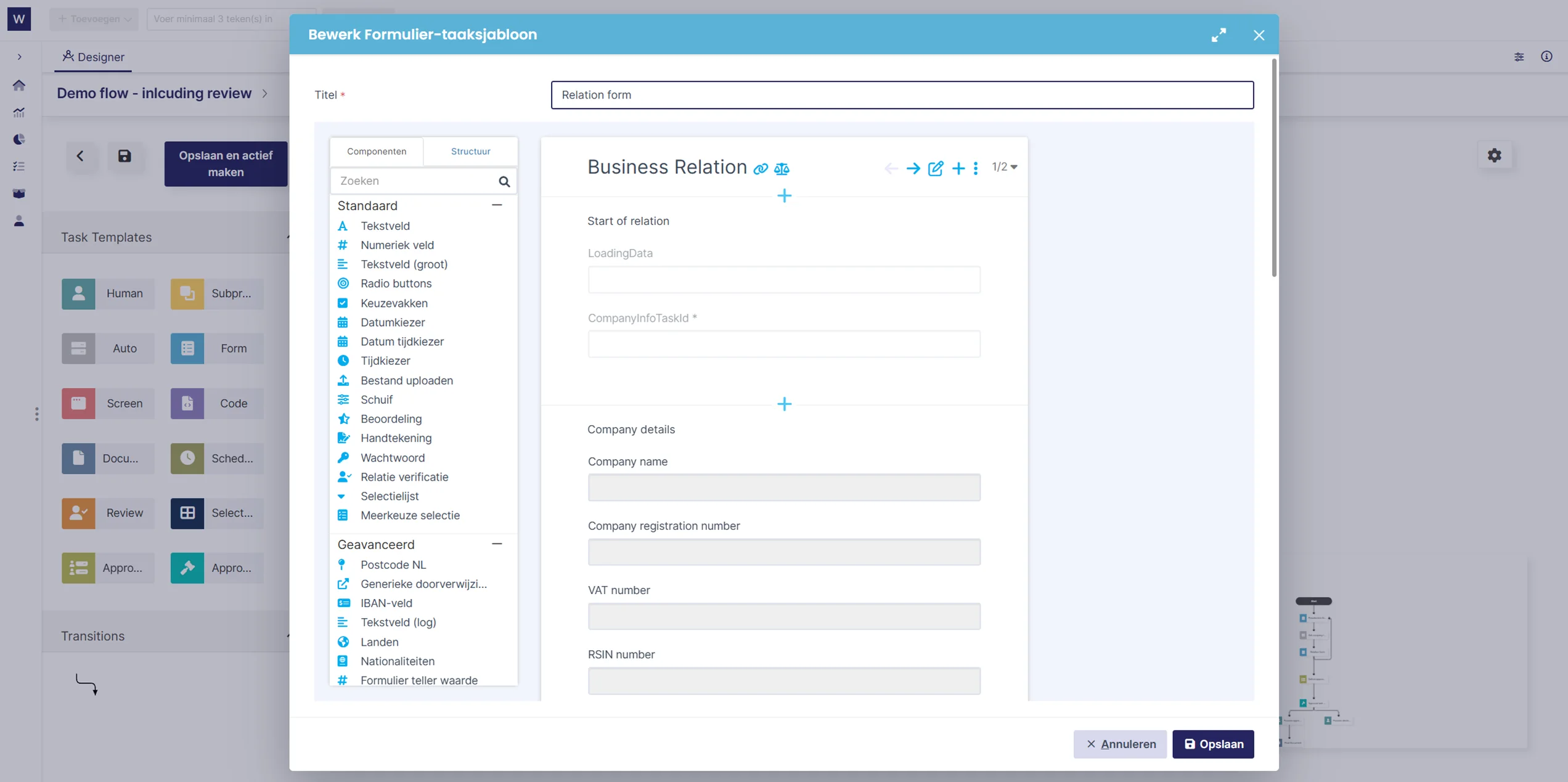
Add custom tasks, code, web services, and integrations when a standard workflow step is not sufficient.


Built for complex, control-critical processes
Maintain control over processes where multiple roles, decision points, exceptions, and controls converge. Precisely where standard workflow tools fall short, configure processes to be manageable, verifiable, and yet flexible.
Suitable for, among others:
compliance and control processes;
complex chain processes;
applications and assessments;
file and case management.
What are the opportunities for your process?
Discuss where delays, errors, or unnecessary transfers occur in your organization. You will gain insight into how Workboard can accelerate processes, make them manageable, and integrate with your existing IT landscape.
Connect Workboard to your existing IT landscape
Connect processes with your existing CRM, ERP, document management, and financial systems, identity providers, and external data sources.
This prevents duplicate data entry, reduces error-prone transfers, and accelerates collaboration between systems and departments. At the same time, you retain your existing IT investments and centralize process management.


Secure, controllable, and audit-ready
Maintain control over access, responsibilities, and process execution. Align roles and rights with function and responsibility, and demonstrably record relevant actions and changes.
This supports internal controls, audits, and incident investigations, while reducing the risk of unauthorized access, unclear responsibilities, and an incomplete process history.
Choose hosting in the Netherlands or within your own IT environment, tailored to your security, compliance, and governance requirements.
From process analysis to automated workflow
What are the opportunities for your process?
Discuss where delays, errors, or unnecessary transfers occur in your organization. You will gain insight into how Workboard can accelerate processes, make them manageable, and integrate with your existing IT landscape.